
 latiyal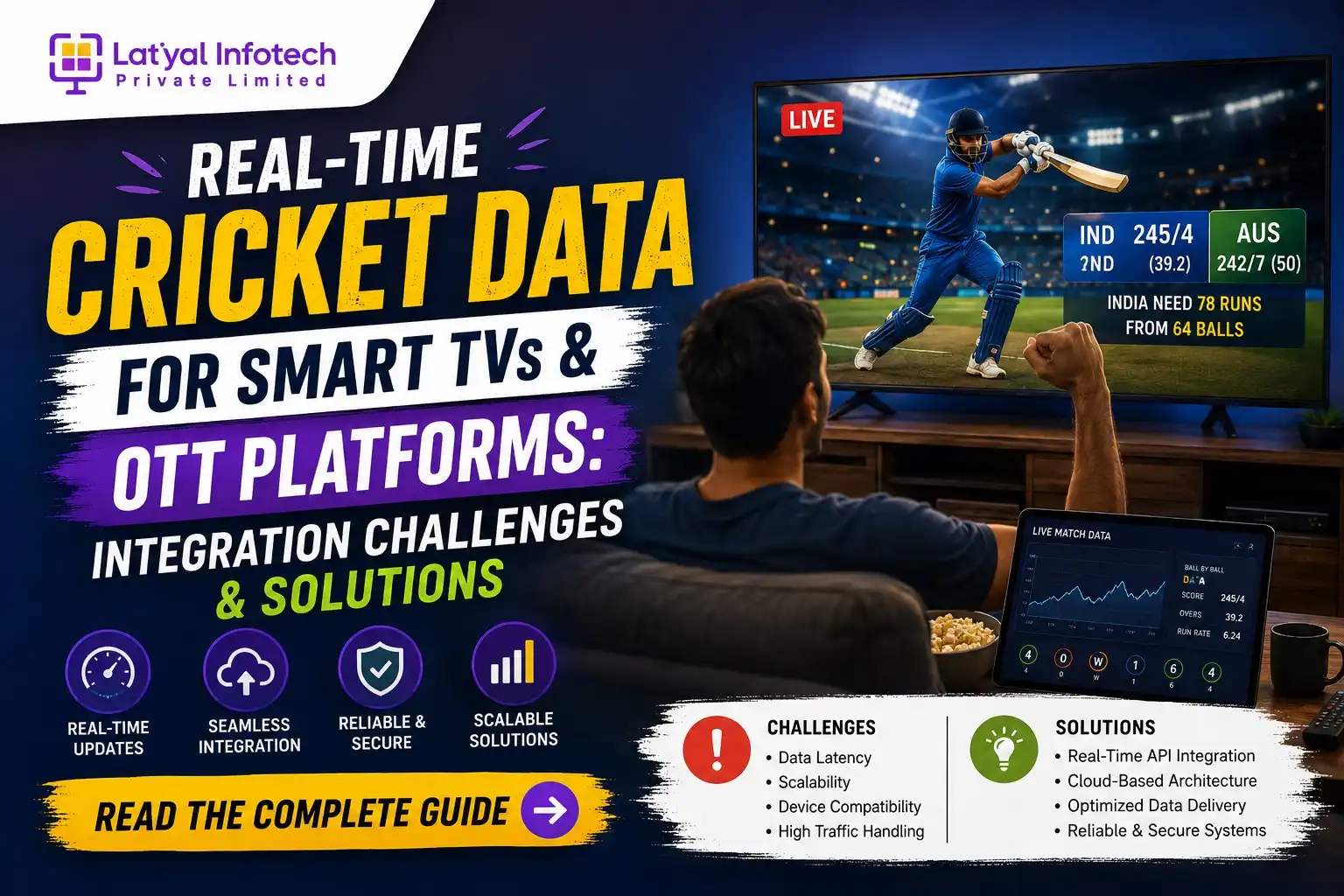
Think about the last time you watched a cricket match on a Smart TV or an OTT app. Chances are, you weren't just watching the video feed – you were glancing at a score bar running along the bottom, checking a player's strike rate mid-over, or seeing a win probability graph update after a boundary. None of that happens by accident. Behind every one of those small, seemingly simple overlays sits a real-time cricket data API working under a fair amount of pressure to stay accurate, stay fast, and stay in sync with a live broadcast that doesn't wait for anyone.
Cable TV never had to deal with this problem. A score in the corner of the screen was baked into the broadcast itself. But OTT and smart TV platforms are a different animal altogether – they run on dozens of device types, operating systems, and network conditions, and viewers expect the same instant, glitch-free experience no matter which one they're using. Getting cricket data onto these screens in real time is one of the more underrated engineering challenges in sports-tech today, and it's worth understanding what actually goes into making it work.
1. Why Smart TVs and OTT Platforms Need Real-Time Cricket Data
1.1 The Shift from Cable to Connected Viewing
Living rooms have quietly changed over the last few years. Fewer people are switching on a cable box, and more are opening a smart TV app, casting from their phone, or streaming through a Fire TV stick. This shift hasn't just changed how cricket is watched – it's changed what viewers expect from the watching experience itself. A static video feed, the kind cable television has offered for decades, no longer feels like enough. Viewers who grew up checking scores on their phones now want that same information without picking up a second device.
1.2 Rising Viewer Expectations for Live Score Overlays
There was a time when checking the score meant opening a separate app on your phone while the match played in the background on TV. That habit is fading. Viewers now expect the TV itself to carry that information - live scores, batting and bowling stats, run rates, win probability - all without breaking away from the video. It's a small shift in behaviour, but it puts a lot of pressure on OTT platforms to bring second-screen functionality directly onto the first screen.
1.3 Competitive Advantage for OTT Platforms
For OTT platforms competing for cricket viewership, the video feed alone isn't a differentiator anymore - most platforms can license the same broadcast rights or stream from the same source. What actually separates one platform from another is the layer built on top of that video: how fast the scores update, how rich the stats are, how smooth the experience feels on a five-year-old Smart TV versus a brand-new one. Platforms that get this right end up with viewers who stick around not just for the match, but for the experience wrapped around it.
Also Read: How To Choose The Best Cricket Live Line API In 2026: A Complete Guide
2. Key Integration Challenges for Smart TV & OTT Platforms
This is where things get genuinely difficult, and where a lot of platforms underestimate what they're signing up for.
2.1 Hardware and Screen Limitations
Smart TVs are not phones. Navigation happens through a remote, not a touchscreen. Processing power varies wildly between a flagship TV and a budget model sold three years ago. Rendering a live-updating overlay on top of a video stream, without stuttering the playback or lagging behind a remote press, takes a very different design approach than building the same feature for a mobile app.
2.2 Fragmented Smart TV Operating Systems
This is probably the single biggest headache for developers. Samsung TVs run on Tizen. LG runs webOS. Then there's Android TV, Amazon's Fire OS, and Roku OS - each with its own SDK, its own quirks, and its own way of handling background data calls. A cricket API integration that works perfectly on Android TV can behave completely differently on Tizen. Supporting all of them well essentially means building and maintaining several near-separate integrations under one product.
2.3 Latency Between Broadcast Feed and Data Feed
Video broadcasts almost always have some delay - sometimes a few seconds, sometimes more, depending on encoding and CDN distance. Live score APIs, on the other hand, often update close to real time. If nobody accounts for this gap, viewers can end up seeing a wicket flash on the score overlay several seconds before it actually happens on screen, which is more jarring than it sounds. Getting these two feeds to feel like one experience is harder than it looks.
2.4 Bandwidth and Network Constraints
Not every living room has great Wi-Fi. Set-top boxes and older routers can struggle to maintain a stable connection, especially when a video stream and a live data feed are both competing for bandwidth at the same time. On mobile networks, a dropped packet is barely noticeable. On a TV screen, it shows up as a frozen score bar or a stat that doesn't update for a worrying number of seconds.
2.5 Overlay Rendering Without Disrupting Video Playback
There's a balancing act here that's easy to underestimate. Every overlay element - a score ticker, a pop-up stat card, a notification - takes up processing resources. On lower-end TV hardware, pushing too much onto the screen at once can cause the video itself to stutter, which defeats the entire purpose of adding the overlay in the first place.
2.6 Scaling During High-Traffic Matches
An IPL final or a World Cup knockout match isn't a normal Tuesday for backend infrastructure. Millions of viewers can be pulling live data at the same moment, and any provider or platform that hasn't planned for that kind of spike will feel it immediately - through slow updates, timeouts, or in the worst case, the overlay simply failing to load.
Also Read: Ball-by-Ball Cricket API: How to Build Real-Time Live Score Apps in 2026
3. Core Technical Solutions for Seamless Integration
None of the challenges above are unsolvable. They just require the right architecture decisions made early, not patched in later.
3.1 Choosing the Right Cricket API Architecture (REST vs WebSocket)
Traditional REST APIs work by polling - the app asks the server anything new? every few seconds. That's fine for a lot of use cases, but for live cricket on a big screen, it introduces unnecessary delay and unnecessary server load. WebSocket-based APIs flip this around: the server pushes updates the moment something happens, without the app having to keep asking. For OTT platforms aiming for that instant, broadcast-like feel, WebSocket connections are generally the better fit.
3.2 Building a Cross-Platform SDK Layer
Rather than writing separate integration logic for Tizen, webOS, Android TV, Roku, and Fire OS from scratch, most experienced teams build a shared abstraction layer - a core SDK that handles the data logic once, with thin platform-specific wrappers on top. It's more work upfront, but it saves an enormous amount of duplicated effort down the line, and it means a bug fix or feature update doesn't have to be built five separate times.
3.3 Data Caching and Edge Delivery
Distance matters when milliseconds matter. Serving live score data from a single central server to viewers across different regions guarantees some viewers will get updates slower than others. Using CDN and edge caching brings the data physically closer to where viewers actually are, cutting down the lag that would otherwise show up as an inconsistent experience across geographies.
3.4 Synchronizing Broadcast Feed with Live Data Feed
Solving the video-versus-data lag problem usually comes down to timestamp matching and buffer calibration - essentially, teaching the system to know roughly how far behind (or ahead) the video feed is compared to the data feed, and adjusting when the overlay fires accordingly. It's not a perfect science, but well-tuned platforms get remarkably close to feeling instantaneous.
3.5 Lightweight Overlay Design for Low-End Devices
The fix for the hardware strain problem is largely a design one: keep overlays minimal, avoid heavy animations, and make sure graphics are GPU-friendly rather than resource-hungry. A clean, simple score bar that works everywhere beats an elaborate animated widget that only runs smoothly on the newest TVs.
3.6 Auto-Scaling Infrastructure for Peak Traffic
Cloud infrastructure that scales automatically based on demand is really the only realistic answer to the World Cup traffic spike problem. Fixed-capacity servers will always either be overpaying for quiet weekdays or buckling under pressure during marquee matches. Auto-scaling means the system grows and shrinks with actual demand.
Also Read: Ultimate Guide to Start Android App for Cricket Score Faster Than TV
4. Features OTT Platforms Should Integrate
Once the underlying architecture is solid, this is where the viewer-facing experience actually gets built. The features that tend to matter most include:
- Live Score Ticker & Scorecard Overlay - the baseline expectation, but still the feature viewers notice first if it's slow or inaccurate.
- Ball-by-Ball Commentary Sync - text commentary that updates in step with the action, adding context beyond just the numbers.
- Player Stats and Career Highlights Pop-Ups - quick, contextual information that appears when a player comes on strike or takes a wicket.
- Win Probability and Match Prediction Widgets - a feature that's become genuinely popular for adding tension and engagement to close matches.
- Multi-Match Switching (Picture-in-Picture Score Bar) - useful during tournaments when several matches run at once and viewers want to keep an eye on more than one.
- Personalized Notifications for Favorite Teams/Players - small nudges that bring viewers back to the app when something noteworthy happens.
5. Best Practices for Smart TV & OTT Cricket Data Integration
A few things separate platforms that get this right from the ones that struggle:
Prioritize a reliable, low-latency cricket API provider. The overlay is only as good as the data feeding it. No amount of clever front-end engineering compensates for a data source that's slow or inconsistent.
Test across all major Smart TV platforms before launch. What runs smoothly on Android TV during development can behave unpredictably on Tizen or webOS in production. Skipping this step almost always surfaces problems after launch, when they're more expensive to fix.
Build fallback mechanisms for API downtime. Even the best providers have occasional hiccups. A well-built platform degrades gracefully - showing a simplified score instead of freezing or crashing - rather than falling apart the moment one data source has an issue.
Optimize overlay UI for remote-control navigation. Interactions designed for touchscreens don't translate directly to a D-pad and a remote. Menus, stat pop-ups, and match switchers all need to be rethought for a very different input method.
Monitor real user metrics during live matches. Lab testing only goes so far. Watching how the system actually performs under real match-day conditions - real networks, real devices, real traffic - is the only way to catch issues lab environments miss.
6. Future of Cricket Data on Connected TVs
This space is still moving quickly, and a few directions are already becoming clear.
AI-driven personalized score insights are starting to replace generic stat displays - instead of showing every number, the system highlights what's actually relevant to a specific viewer's interests.
Voice-controlled score queries are a natural fit for Smart TVs, where remotes are the primary input and typing is a hassle. Asking a TV what's the score instead of navigating menus is a small but meaningful convenience shift.
Interactive fan engagement, through live polls and predictions layered onto the stream, is turning passive viewing into something more participatory - closer to how social platforms already engage cricket fans.
Multi-sport OTT bundles are also expanding this infrastructure beyond cricket alone, with the same real-time data principles being applied to football, kabaddi, and other sports as platforms diversify their offerings.
Also Read: How to Choose a Good Live Cricket Score App Development Company
Conclusion
Bringing real-time cricket data to Smart TVs and OTT platforms isn't just a matter of connecting an API and calling it done. It's a genuinely complex engineering problem - one that touches fragmented operating systems, unpredictable home networks, hardware limitations, and the sheer scale of cricket's viewership during big tournaments. But platforms that invest in the right architecture - WebSocket-based data delivery, a shared cross-platform SDK, edge caching, and thoughtful overlay design - end up delivering something that feels effortless to the viewer, even though there's a lot happening behind the scenes to make it look that way.
If you're planning to build or upgrade a Smart TV or OTT cricket experience, working with an experienced cricket data API provider like Latiyal Infotech can take a lot of this complexity off your plate, so your team can focus on the viewer experience instead of fighting with five different TV operating systems.
FAQs
What is the biggest challenge in integrating cricket data into Smart TV apps?
The biggest challenge is usually keeping the live data feed in sync with the video broadcast while dealing with fragmented operating systems like Tizen, webOS, Android TV, and Roku, each of which needs its own SDK integration.
Is WebSocket better than REST API for OTT cricket score integration?
For continuous live updates, yes. WebSocket connections push data the moment it changes, rather than waiting for the app to ask repeatedly the way REST polling does, which cuts down both latency and server load.
How do OTT platforms handle high traffic during matches like IPL or World Cup finals?
Most rely on auto-scaling cloud infrastructure combined with CDN-based edge caching and load-balanced servers, so the system can expand capacity automatically as viewer numbers spike.
Can older or budget Smart TVs support real-time score overlays?
Yes, though the overlay needs to be designed to be lightweight and GPU-friendly, otherwise it can end up competing with video playback for limited processing power on older hardware.
What features should an OTT platform include for cricket fans?
A solid starting point includes a live score ticker, ball-by-ball commentary sync, player stat pop-ups, win probability widgets, and personalized notifications for favorite teams or players.
How much does it cost to integrate a cricket data API into a Smart TV or OTT app?
It varies quite a bit depending on the provider, how many platforms you're supporting, how frequently the data updates, and expected traffic volume. It's usually best to get a custom quote based on your specific setup rather than relying on a fixed number.